
Install from the Program That Opened the File
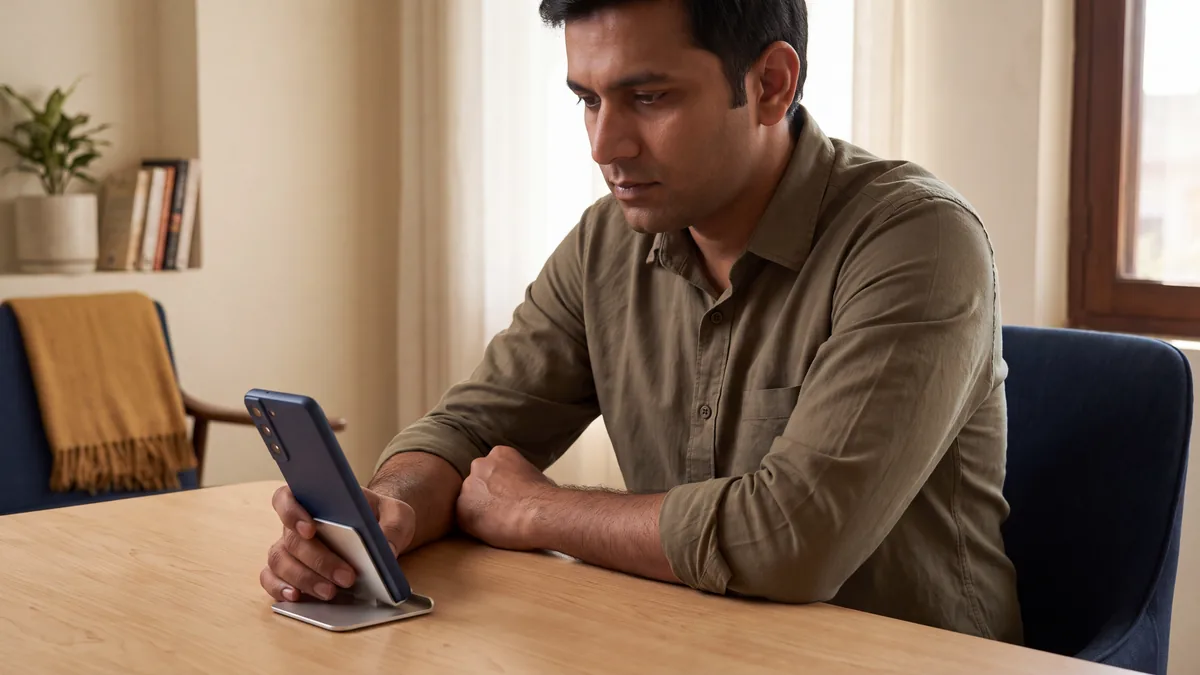
Open the completed download. On modern Android systems, follow the installer prompt to the settings for that browser or file manager. If shown, enable Allow from this source for the matching program, then return to the installer and confirm.
For example, some devices use Apps, Special app access, then Install unknown apps. Labels and paths vary by manufacturer and version; older systems may have a broader unknown-sources setting.
After setup finishes, launch the application and sign in where access is available. Restore the permission you changed to its previous state. Keep Play Protect active and stop to investigate any security rejection.
Get the Mobile Application
Android Setup Problems by Stage
General compatibility covers most modern devices; a particular phone can still report an error. Match the symptom to a check before repeating setup.
For unresolved problems, give support the stage and exact message without passwords or codes. An iPhone needs the iPhone setup instructions instead.
Prepare the Download for Android
The application uses an official website file instead of the ordinary store route. The file download guide handles that separate subject.
Wait for saving to finish on your Android device before opening the copy.
Questions About Granting and Restoring Permission
Spending Boundaries and Gambling Support
Gambling is restricted to adults aged 21+ and involves financial risk. Keep it an entertainment expense, never a source of income. Decide a spending limit and stopping time while essential bills remain protected. Avoid borrowing or trying to recover losses through more play. Available account limits, time-outs and self-exclusion can help restrict activity. Gambling Therapy is an online service with worldwide reach for practical help and emotional support around gambling problems.